The Big Question
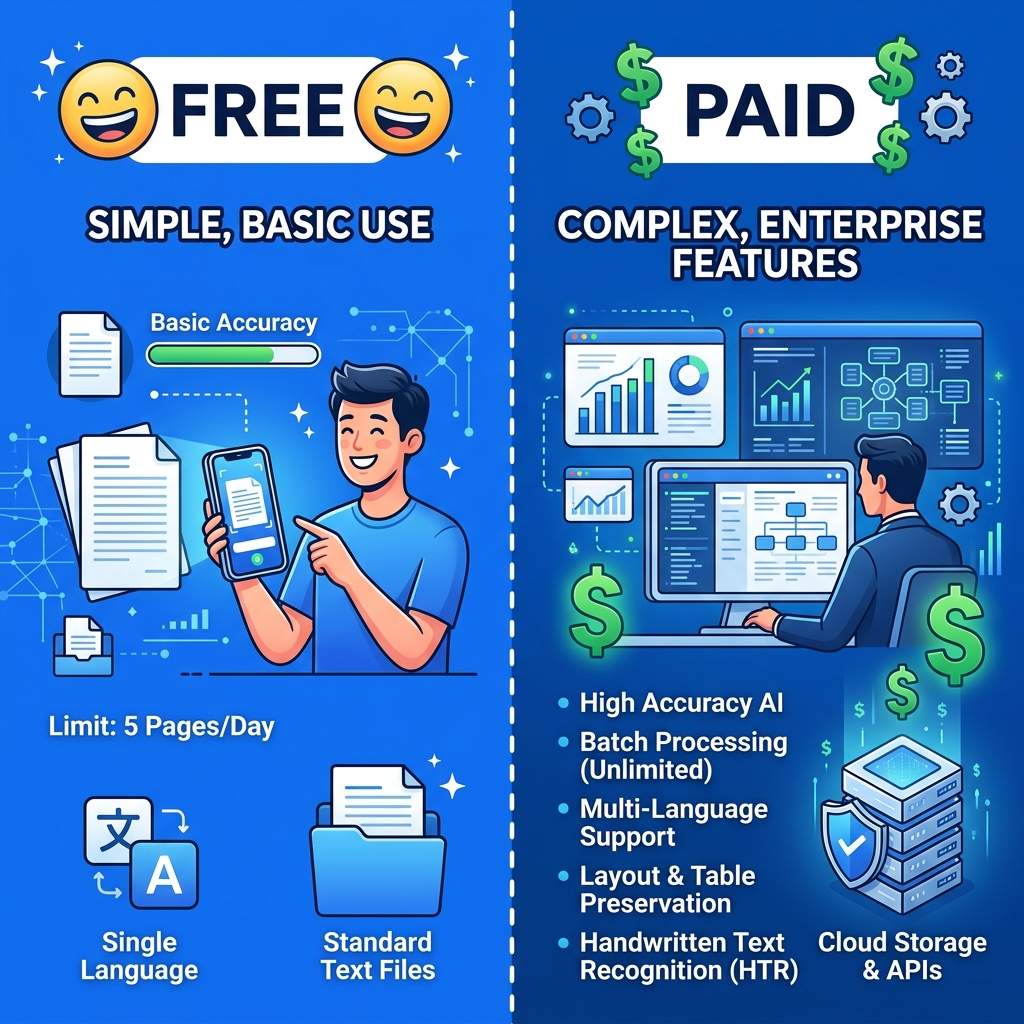
With so many OCR tools available — from free browser tools to $50/month enterprise solutions — you might wonder: is free actually good enough?
Short answer: Yes, for most use cases. But let's break down exactly when free works and when paid makes sense.
Free OCR Tools: What You Get
Advantages of Free Tools
- Zero cost — Obviously. No subscription, no one-time fee, no hidden charges
- No commitment — Use it once and never come back, or use it daily
- No account required — Most free tools (including ours) don't require sign-up
- Good accuracy — Modern free OCR engines achieve 90-98% accuracy on clear text
- Privacy — Browser-based tools like ours process locally, which is actually more private than most paid cloud services
Limitations of Free Tools
- No batch processing — Most free tools handle one image at a time
- No API access — You can't automate workflows
- Basic output — Plain text only, no formatted output (Word, Excel, etc.)
- No layout preservation — Columns, tables, and formatting aren't maintained
- Limited file types — Usually images only, not PDFs
Paid OCR Tools: What You Get Extra
Popular paid options include Adobe Acrobat Pro ($22/month), ABBYY FineReader ($199/year), and cloud APIs like Google Cloud Vision ($1.50 per 1000 images).
What Paid Tools Add
- Batch processing — Process hundreds of documents at once
- Layout preservation — Maintain columns, tables, headers, and formatting
- PDF support — Direct OCR on multi-page PDFs
- API access — Automate with custom integrations
- Higher accuracy on complex layouts — Multi-column pages, forms with checkboxes
- Handwriting specialization — Some paid tools have advanced handwriting models
- Output formats — Export to Word, Excel, searchable PDF
Head-to-Head Comparison
| Feature | Free (ImageToText.net) | Paid (Adobe/ABBYY) |
|---|---|---|
| Cost | $0 | $22-$200/year |
| Accuracy (printed text) | 90-98% | 95-99% |
| Accuracy (handwriting) | 70-85% | 80-92% |
| Languages | 28+ | 100+ |
| Privacy | ✅ Browser-based (local) | ❌ Cloud-based (uploaded) |
| Batch processing | ❌ One at a time | ✅ Hundreds at once |
| Layout preservation | ❌ Plain text | ✅ Formatted output |
| PDF support | ❌ Images only | ✅ Multi-page PDFs |
| API | ❌ | ✅ |
| Account required | ❌ No | ✅ Yes |
| Daily limits | ❌ Unlimited | Varies by plan |
When Free Is Enough
Free OCR tools are perfect for:
- Occasional use — You extract text from images a few times a week
- Single images — One photo, one screenshot, one document at a time
- Personal use — Study notes, personal records, casual text extraction
- Privacy-sensitive documents — When you don't want images on someone else's server
- Quick extractions — You need the text now, not a formatted document
Specific examples:
- Copying text from a screenshot
- Extracting a quote from a textbook photo
- Reading text from a menu in another language
- Scanning a receipt for expense tracking
- Getting text from a business card
When to Consider Paid
Paid tools make sense when:
- You process 50+ documents daily — Batch processing saves hours
- You need formatted output — Preserving columns, tables, and layout matters
- You work with multi-page PDFs — Free tools handle images, not PDFs
- You need API integration — Automating OCR in your software or workflow
- Compliance requires audit trails — Enterprise tools offer logging and tracking
Specific examples:
- Law firms processing thousands of case documents
- Healthcare providers digitizing medical records
- Accounting firms processing stacks of invoices monthly
- Publishers converting printed books to ebooks
The Honest Verdict
For 90% of people, 90% of the time, free OCR tools are more than sufficient. The accuracy gap between free and paid has narrowed dramatically — modern free engines like Tesseract.js produce results that rival paid solutions for standard printed text.
Save your money unless you're processing large volumes, need formatted output, or require API integration for automation.
Try Our Free Tools
- Free Image to Text Converter — No limits, no sign-up
- Image to Text Converter — All-purpose converter
- Extract Text from Image — Quick text extraction
All free. All private. All unlimited.