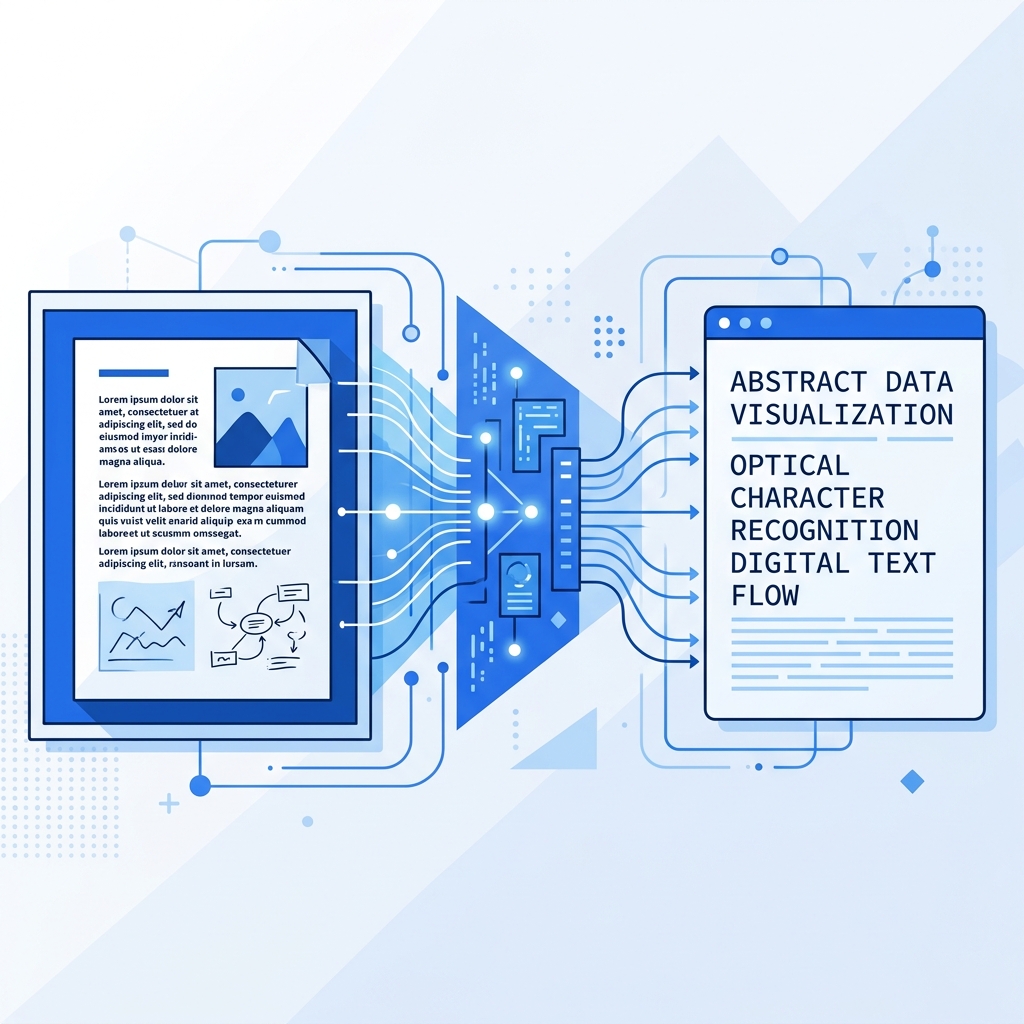
What Is OCR?
OCR (Optical Character Recognition) is a technology that converts images containing text into machine-readable, editable text. Think of it as teaching a computer to "read" text from pictures — just like a human would, but much faster.
Every time you scan a document, extract text from a screenshot, or convert a photo of a whiteboard into notes, OCR is working behind the scenes.
How Does OCR Work? (Step by Step)
The OCR process involves several key stages:
1. Image Pre-processing
Before any text recognition begins, the image goes through pre-processing to improve accuracy:
- Binarization — Converting the image to black and white to increase contrast between text and background
- Noise Removal — Eliminating specks, dots, and artifacts that could be mistaken for characters
- Deskewing — Straightening the image if it was captured at an angle
- Scaling — Adjusting the image size to match the OCR engine's optimal input resolution
2. Text Detection
The engine identifies regions of the image that contain text. It differentiates between text areas and non-text elements like images, logos, and decorative graphics. This step creates "bounding boxes" around each block of text.
3. Character Recognition
This is the core of OCR. The engine analyzes each character individually using pattern recognition algorithms. Modern OCR engines use neural networks trained on millions of text samples to recognize characters with high accuracy.
4. Post-processing
After initial recognition, the engine applies language models and dictionaries to correct likely errors. For example, if the engine reads "tle" but the surrounding context suggests "the," it makes the correction automatically.
Browser-Based vs. Server-Based OCR
Traditional OCR tools upload your images to remote servers for processing. Our tool at ImageToText.net takes a fundamentally different approach using Tesseract.js — a JavaScript port of Google's Tesseract OCR engine that runs entirely in your browser.
| Feature | Server-Based OCR | Browser-Based OCR |
|---|---|---|
| Privacy | Images uploaded to servers | Images never leave your device |
| Speed | Depends on internet + server load | Depends on your device only |
| Limits | Often has daily caps | Unlimited — no server costs |
| Offline | Requires internet | Works after first load |
| Cost | Often paid/freemium | Free forever |
What Affects OCR Accuracy?
Several factors influence how accurately OCR can extract text from your images:
- Image quality — Higher resolution images with good lighting produce the best results
- Font type — Standard printed fonts (Arial, Times New Roman) are recognized with 95%+ accuracy. Decorative or handwritten fonts are more challenging
- Contrast — Dark text on a light background is ideal. Low contrast reduces accuracy significantly
- Language — Common languages like English have larger training datasets, resulting in higher accuracy
- Image format — PNG (lossless) typically gives better results than heavily compressed JPG files
Tips for Getting the Best OCR Results
- Use good lighting when photographing text — avoid shadows and glare
- Hold your camera straight to minimize perspective distortion
- Crop unnecessary areas before uploading to reduce noise
- Choose PNG over JPG when possible for screenshots and digital documents
- Select the correct language to help the engine prioritize the right character set
Try It Yourself
Ready to see OCR in action? Our Image to Text Converter processes images right in your browser — no uploads, no sign-ups, no limits. Try it with a screenshot, a photo, or a scanned document and see the results for yourself.