Why Online Is Better Than an App
When you need to extract text from an image, your first instinct might be to search for an app. But here's why an online browser-based tool is often the smarter choice:
| Factor | Download an App | Online Tool |
|---|---|---|
| Setup time | 2-5 minutes | 0 seconds |
| Storage space | 50-200 MB | None |
| Account required | Usually yes | No |
| Updates needed | Yes | Auto-updated |
| Works on all devices | No (iOS/Android/Windows separate) | Yes (any browser) |
| Cost | Often freemium | Free |
How Online Image-to-Text Works
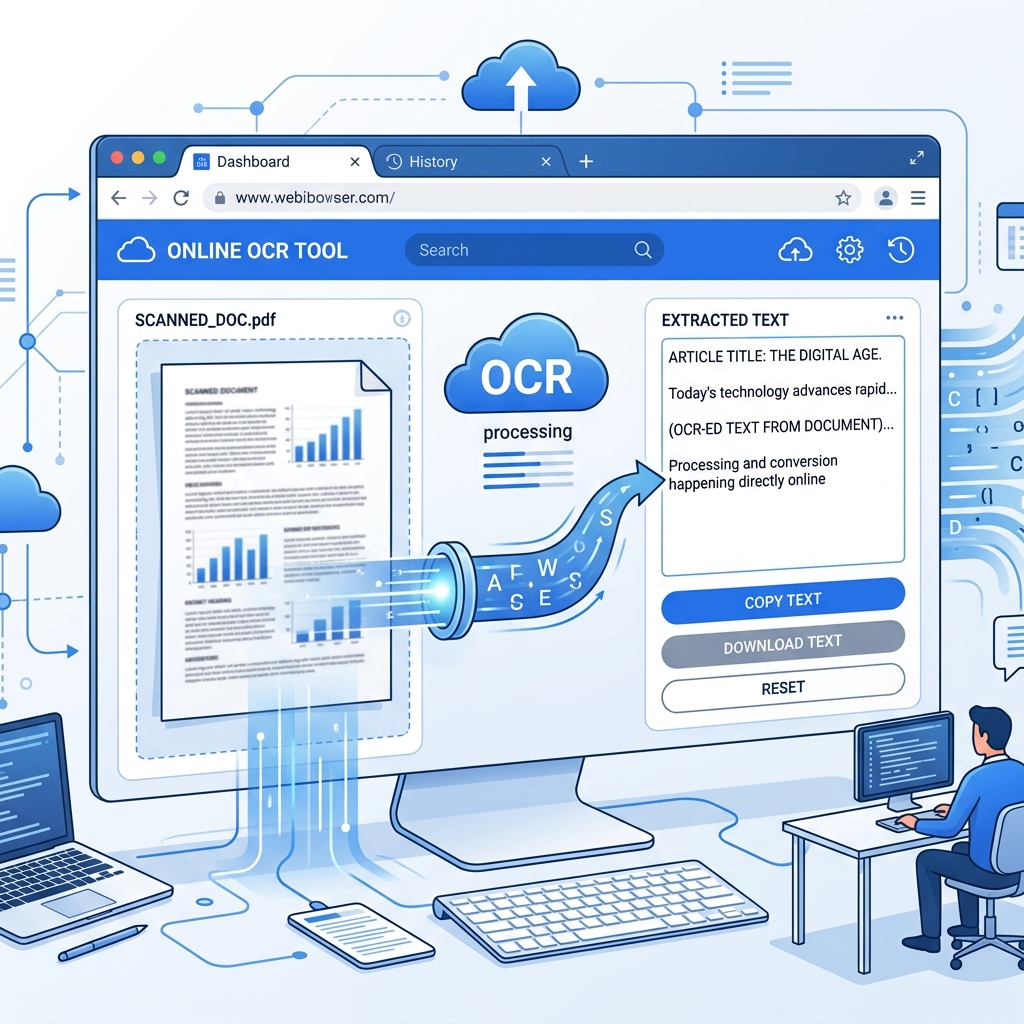
Our Image to Text Converter runs entirely in your web browser using Tesseract.js — a JavaScript-based OCR engine. Here's what happens:
- You open the tool in any browser (Chrome, Safari, Firefox, Edge)
- You upload or drag an image
- The OCR engine loads and processes the image locally on your device
- The extracted text appears — ready to copy
The key difference: Your image never leaves your device. Traditional online tools upload your image to a server for processing. Ours processes everything in your browser — giving you the speed of an online tool with the privacy of a desktop app.
Step-by-Step Guide
On Your Phone
- Open your browser (Chrome, Safari, etc.)
- Go to ImageToText.net
- Tap "Choose File"
- Select a photo from your gallery or take a new one
- Select the language of the text
- Tap "Convert to Text"
- Copy the result
On Your Computer
- Open any browser
- Go to ImageToText.net
- Drag and drop your image onto the upload area
- Select the language
- Click "Convert to Text"
- Copy or download the result
What You Can Convert Online
Our online tool handles virtually any image containing text:
- Screenshots — error messages, social media posts, chat conversations
- Photos — documents, signs, menus, labels, whiteboards
- Scanned documents — contracts, receipts, invoices, forms
- Digital images — JPG, PNG, JPEG, BMP, TIFF, WebP
- Handwritten text — notes, letters, postcards (with good clarity)
Supported Image Formats
| Format | Supported | Best For |
|---|---|---|
| PNG | ✅ | Screenshots, digital graphics |
| JPG / JPEG | ✅ | Photos, camera images |
| BMP | ✅ | Uncompressed images |
| WebP | ✅ | Web images |
| TIFF | ✅ | Scanned documents |
| GIF | ✅ | Simple graphics |
Advantages of Our Online Tool
No Sign-Up Required
Many online OCR tools require you to create an account before you can use them. Ours doesn't — just open the page and start converting.
No Daily Limits
Most free OCR services limit you to 5-10 conversions per day. Our tool has no limits because processing happens on your device, not our servers.
28+ Languages
Select from 28+ languages including English, Spanish, French, German, Arabic, Chinese, Hindi, Japanese, Korean, and many more.
Completely Private
Your images are processed in your browser. They are never uploaded, never stored, and never seen by anyone. This makes it safe for sensitive documents like medical records, financial statements, and legal contracts.
Works Offline (After First Load)
Once the OCR engine loads in your browser, it caches locally. If you lose internet connection, the tool continues to work with images already on your device.
When to Use an App Instead
To be fair, dedicated apps have advantages in specific situations:
- Batch processing hundreds of images — apps with folder scanning are more efficient
- Real-time camera OCR — pointing your camera at text for live recognition
- Offline-first workflows — when you frequently work without internet
For most people, most of the time, an online tool is faster and more convenient.
Try It Now
No download. No sign-up. No limits. Open our Image to Text Converter in your browser and convert your first image in under 10 seconds.
For a completely free experience with no restrictions, try our Free Image to Text Converter.