The Cost of Manual Data Entry
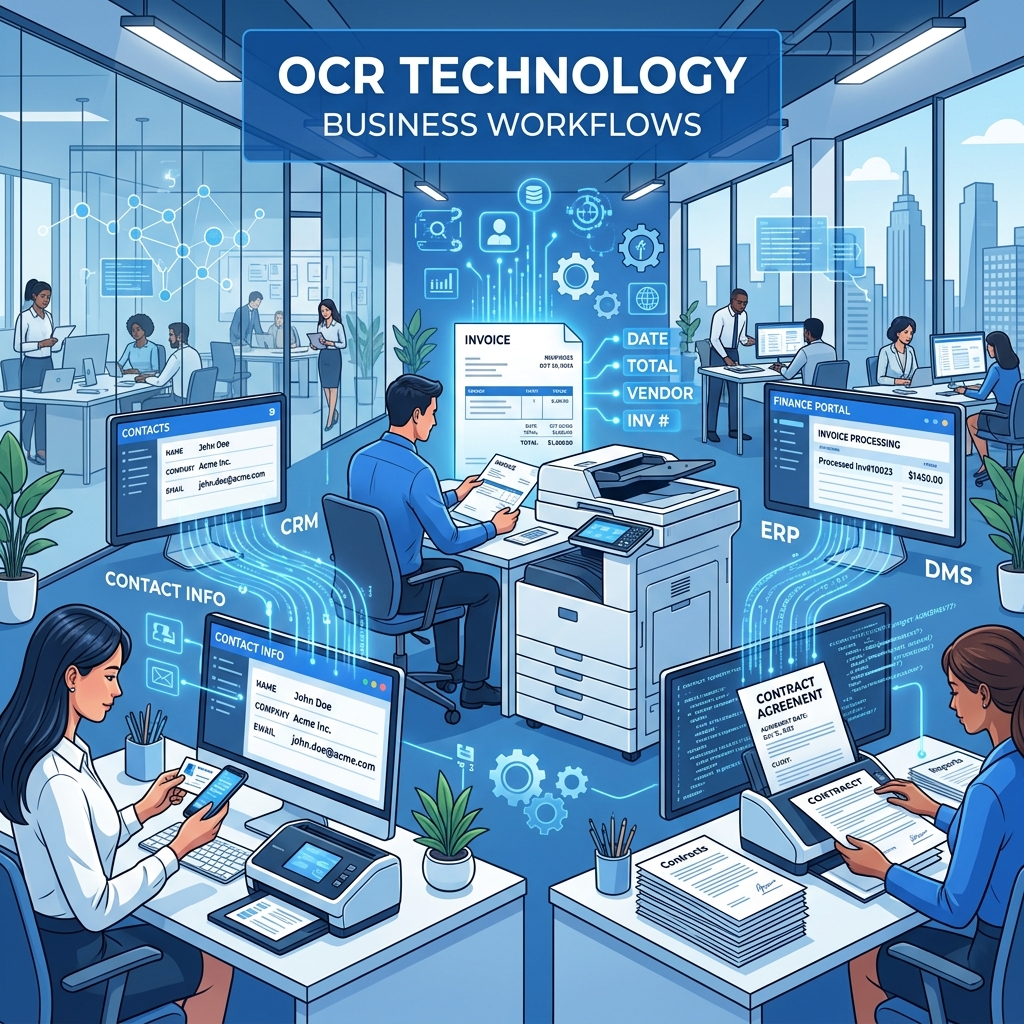
Every business deals with physical documents: invoices, business cards, contracts, receipts, shipping labels, and forms. Manually typing information from these documents is slow, error-prone, and expensive.
Studies show that manual data entry costs businesses $4.78 per document on average, and employees spend up to 2 hours per day on repetitive typing tasks. OCR eliminates most of this.
6 Business Use Cases for OCR
1. Business Card Scanning
After networking events and conferences, you come home with a stack of business cards. Instead of typing each one into your contacts:
- Photograph each card
- Upload to Business Card Scanner
- Copy the extracted name, email, phone, and company directly into your CRM
Time saved: 2-3 minutes per card × 50 cards = 2+ hours saved per event
2. Invoice Processing
Freelancers and small businesses receive invoices as images, photos, or scanned PDFs. OCR extracts:
- Vendor name and contact details
- Invoice number and date
- Line items and amounts
- Tax and total amounts
Upload to Document Scanner and paste the extracted data into your accounting software.
3. Receipt Management
Track business expenses by scanning receipts immediately after purchases. Our Receipt Scanner extracts store names, dates, items, and totals — perfect for:
- Monthly expense reports
- Tax deduction documentation
- Reimbursement claims
- Audit preparation
4. Contract and Agreement Review
When you receive a contract as a scanned image (common in real estate, legal, and government sectors), OCR converts it to editable text so you can:
- Search for specific clauses or terms
- Copy sections for review or comparison
- Paste key terms into a summary document
5. Shipping and Logistics
Warehouses and logistics companies use OCR to extract information from:
- Shipping labels
- Packing slips
- Tracking numbers
- Address information
This speeds up data entry and reduces errors in order fulfillment.
6. Whiteboard Meeting Notes
After a brainstorming session, photograph the whiteboard and use Whiteboard to Text to convert the content into shareable meeting notes. Send to the entire team in minutes, not hours.
Privacy: A Business Priority
For businesses, document privacy is non-negotiable. Client contracts, financial documents, and employee information must be handled securely.
Our advantage: All OCR processing happens in the user's browser. Documents are never uploaded to any server, never stored, and never accessible to anyone else. This means:
- ✅ GDPR compliant — no data transfer
- ✅ HIPAA friendly — no PHI on external servers
- ✅ Client-safe — confidential documents stay on your device
- ✅ No data breach risk — nothing to breach
ROI of OCR for Small Businesses
| Metric | Without OCR | With OCR |
|---|---|---|
| Time per document | 5-10 minutes | 30 seconds |
| Error rate | 3-5% | Under 1% |
| Cost per document | $4.78 | ~$0 (free tools) |
| Monthly time saved | 20+ hours | — |
| Annual cost saved | $5,000+ | — |
Getting Started
You don't need enterprise software or expensive subscriptions. Our free OCR tools handle the most common business tasks:
| Task | Tool |
|---|---|
| Business cards | Business Card Scanner |
| Receipts & invoices | Receipt Scanner |
| Contracts & documents | Document Scanner |
| Whiteboard notes | Whiteboard to Text |
| General images | Image to Text Converter |
All free. All private. All processed in your browser. Start automating your document workflow today.